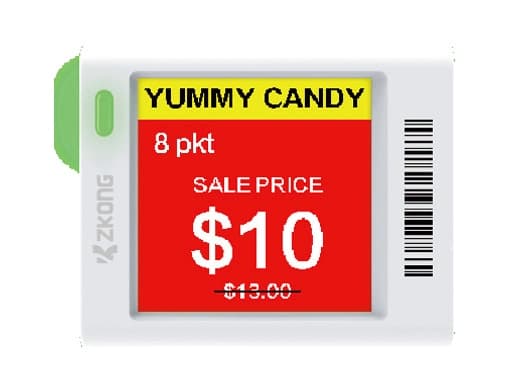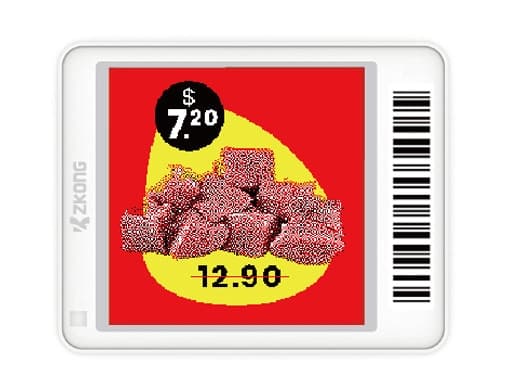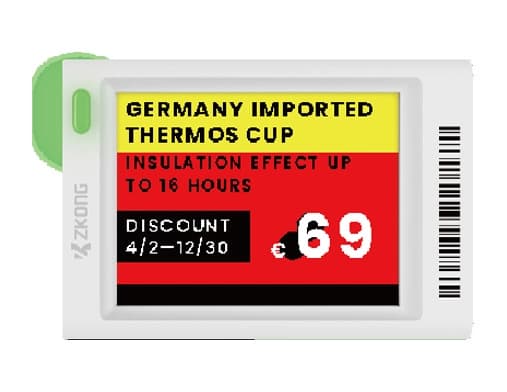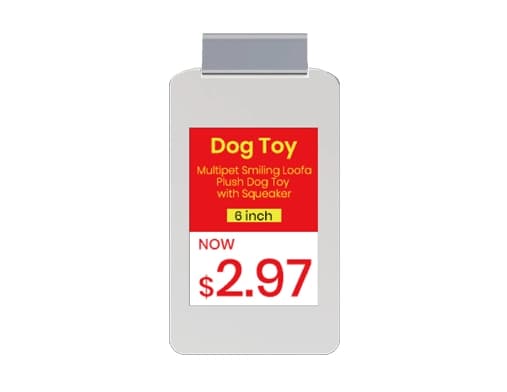
ZKC13F-S
Fashion 1.3"
BWRY
Price on request

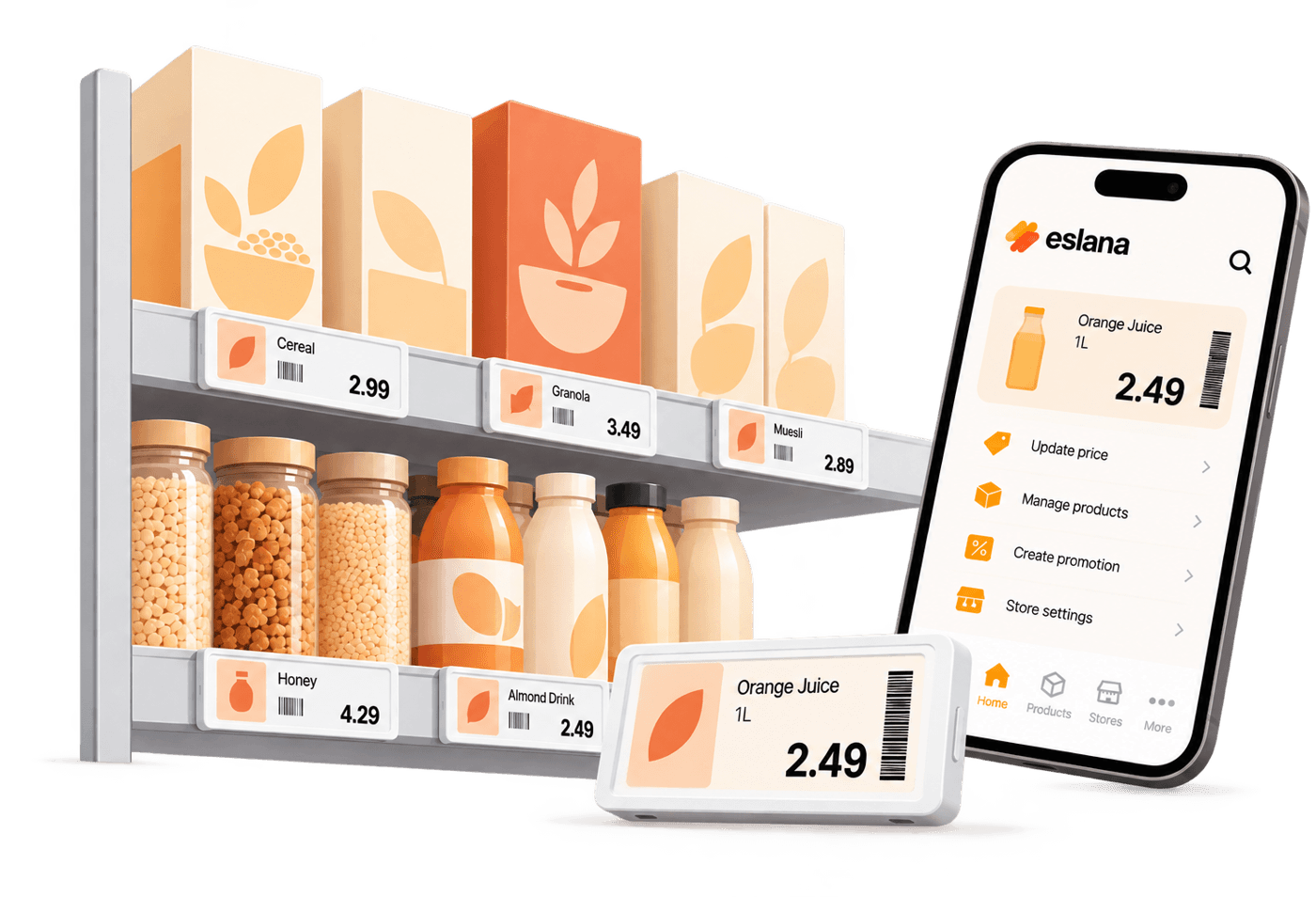
Electronic shelf labels for independent retailers. Buy your equipment online and manage your labels with the eslana app.
How it works
01
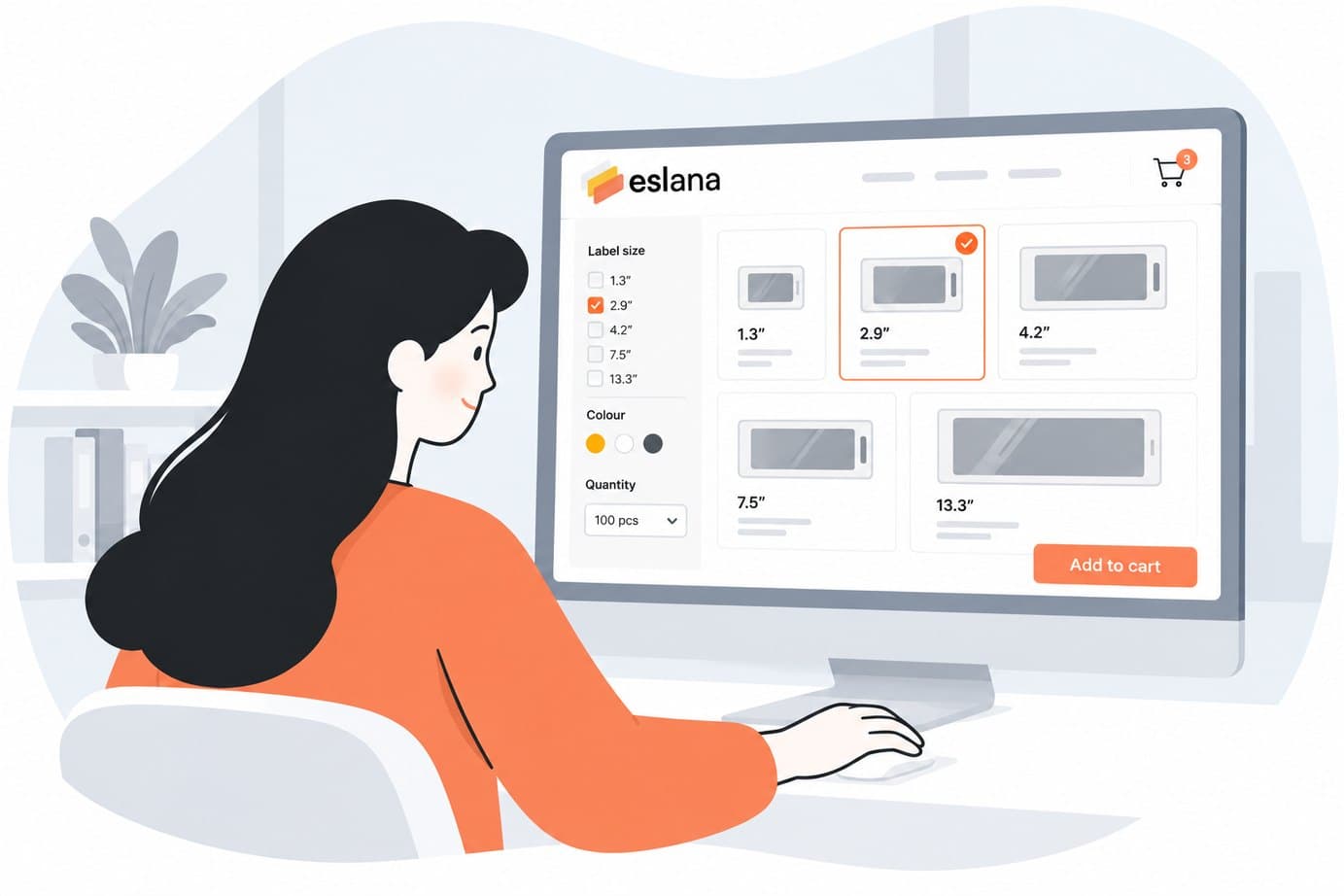
Choose label sizes, quantities and the mounts and access points your store needs. Not sure what fits? We can help.
02
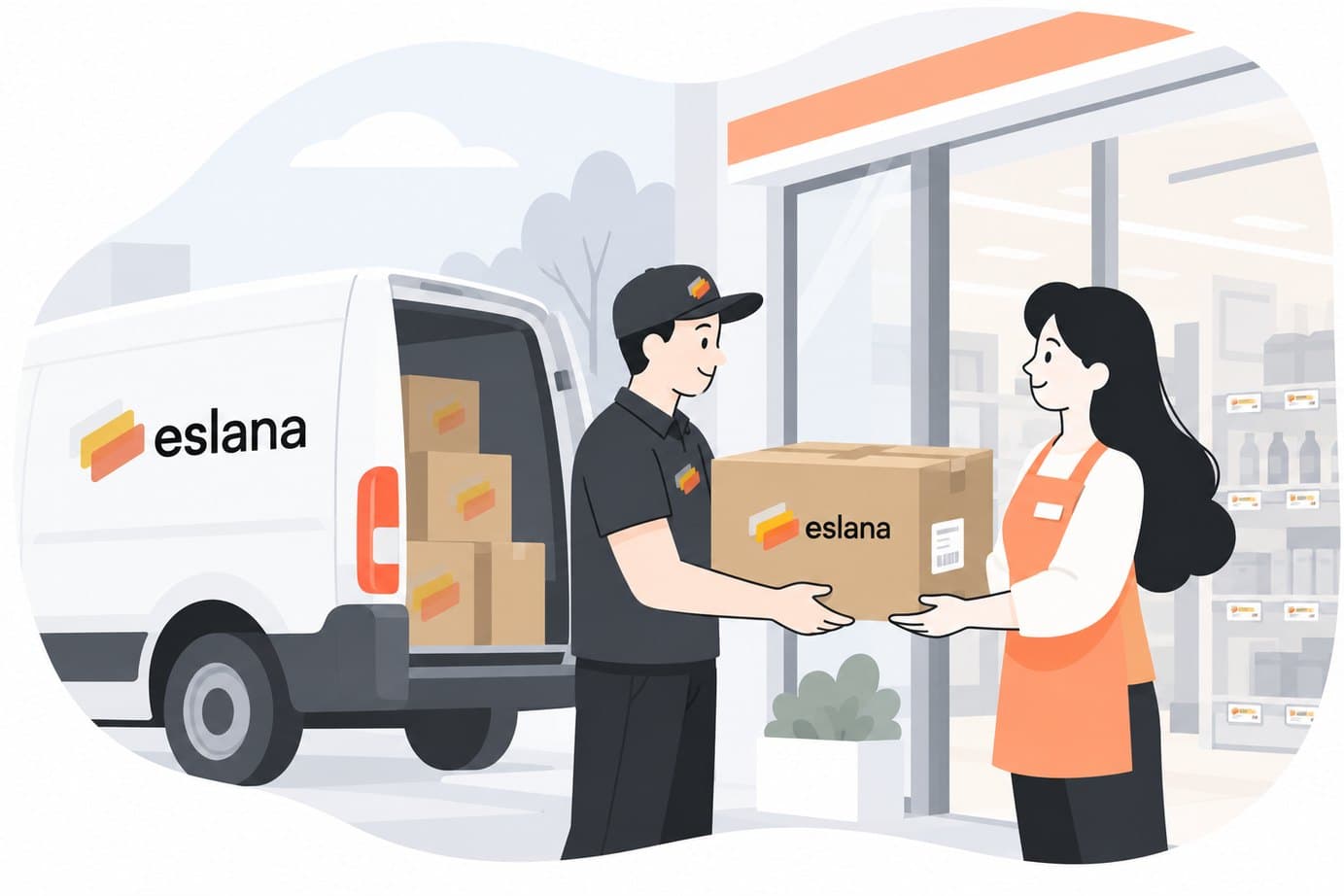
Create your account, review your equipment and place your order for delivery to your store.
03
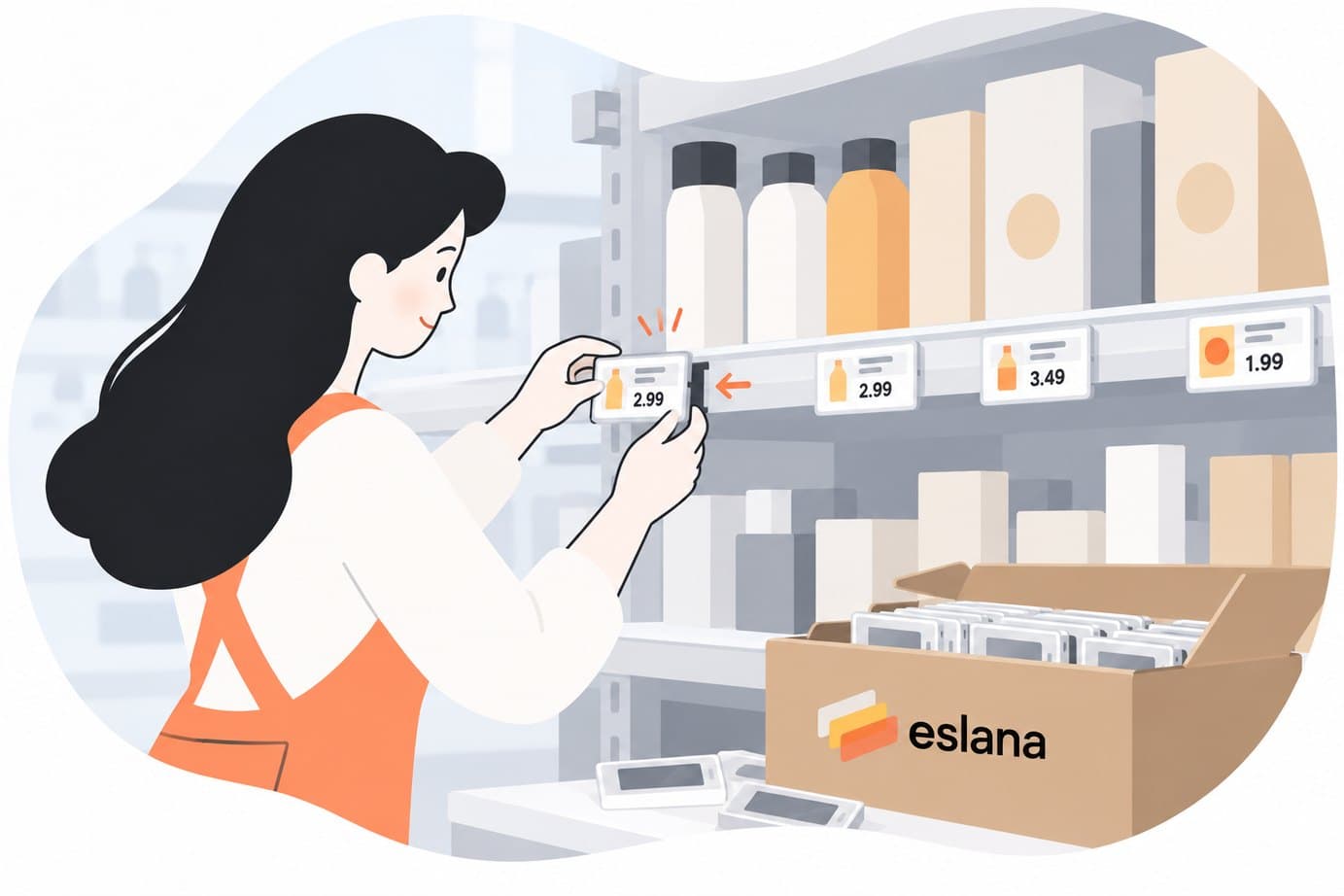
Fit the shelf strips, attach your labels and connect the access point using our setup guides.
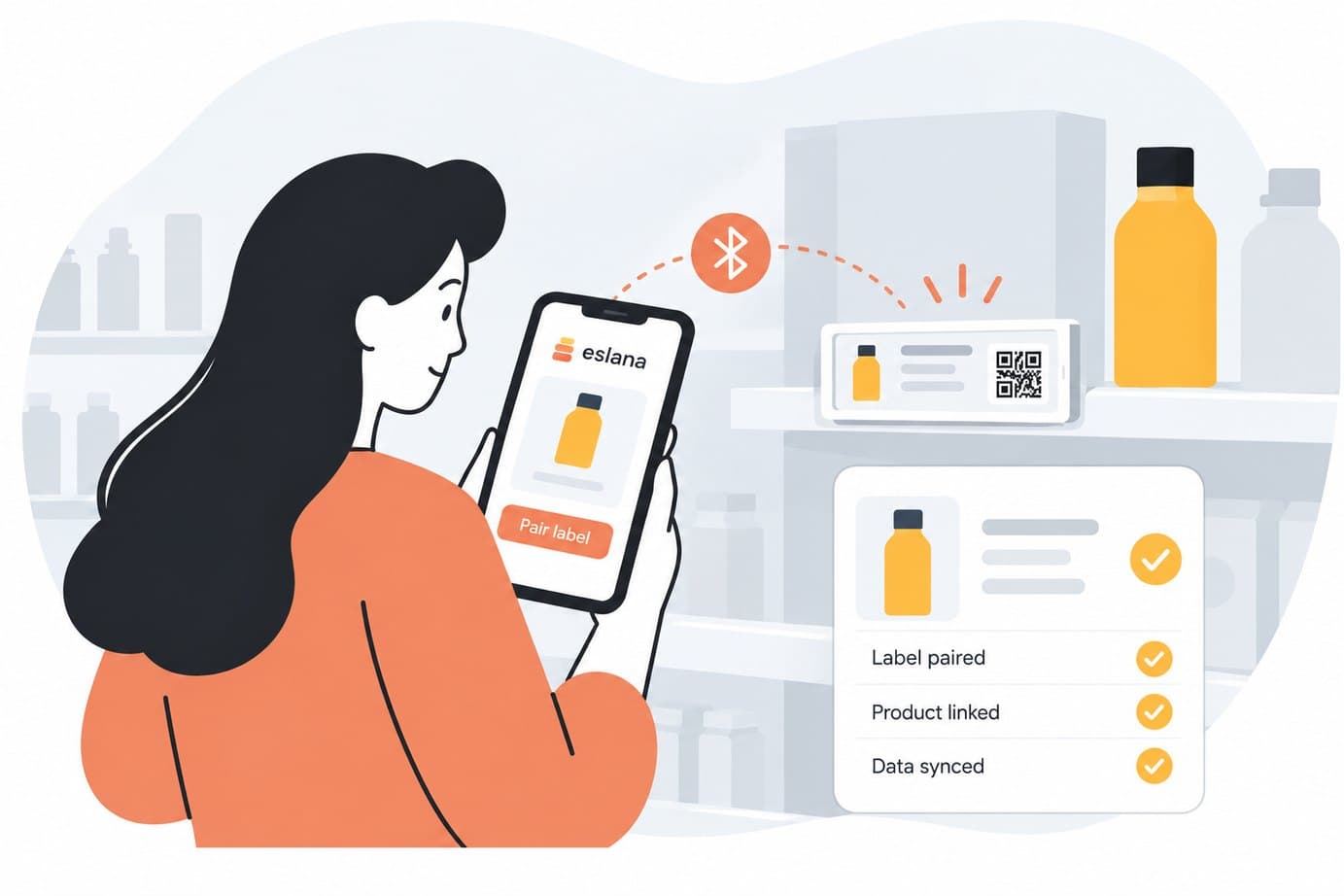
04
Connect your POS system or upload your product data using a supported CSV or Excel file.
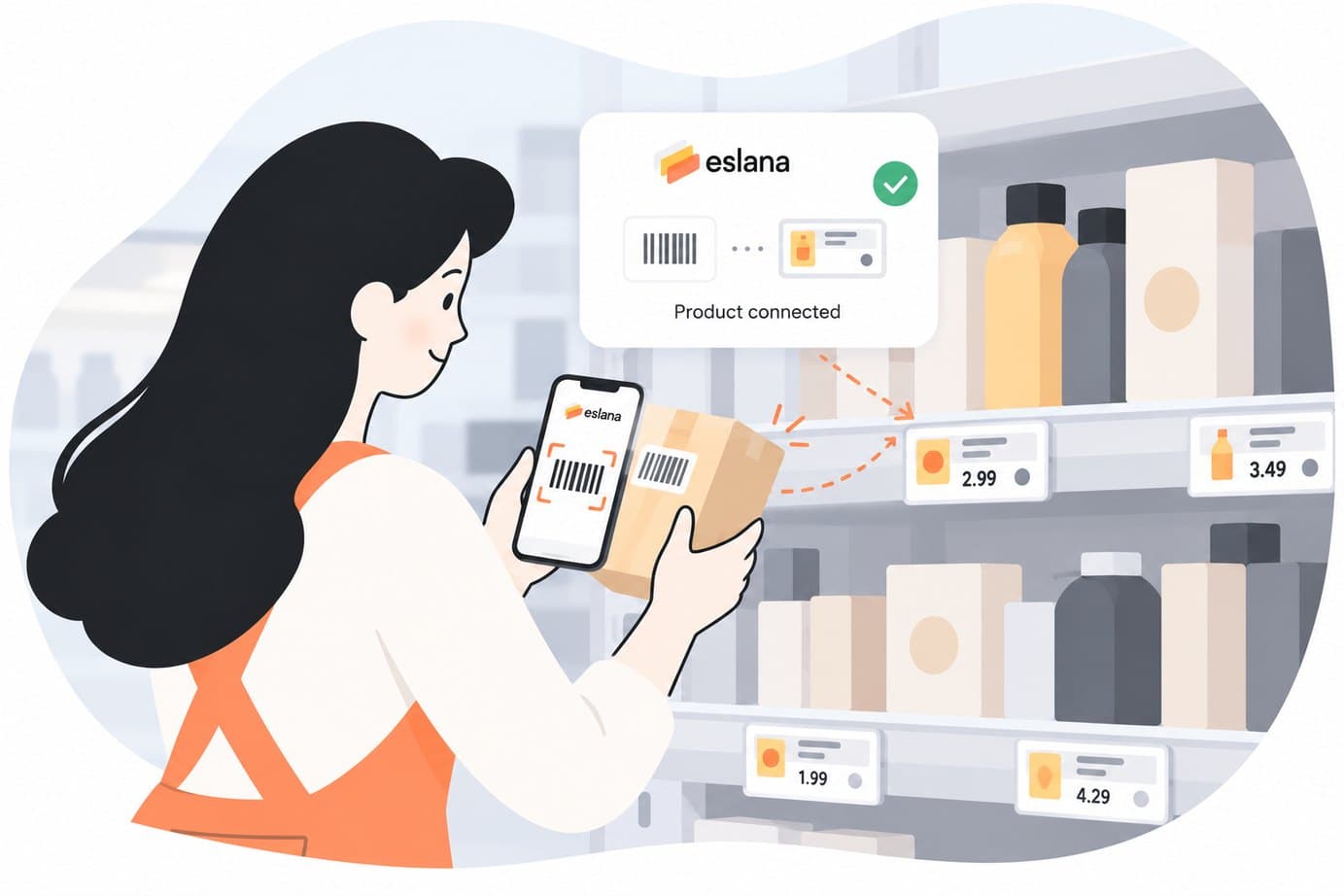
05
Link labels to products and monitor their connection, battery status and displayed prices in the app.
Why eslana

Replace repeated printing and swapping with digital price updates.

Connect your POS system to keep shelf prices aligned with the till.

Send promotional prices to your labels without replacing paper tickets.

Use clear digital layouts for prices and product information.
The app
Connect product data, link labels to products and monitor your shelf labels from your phone.
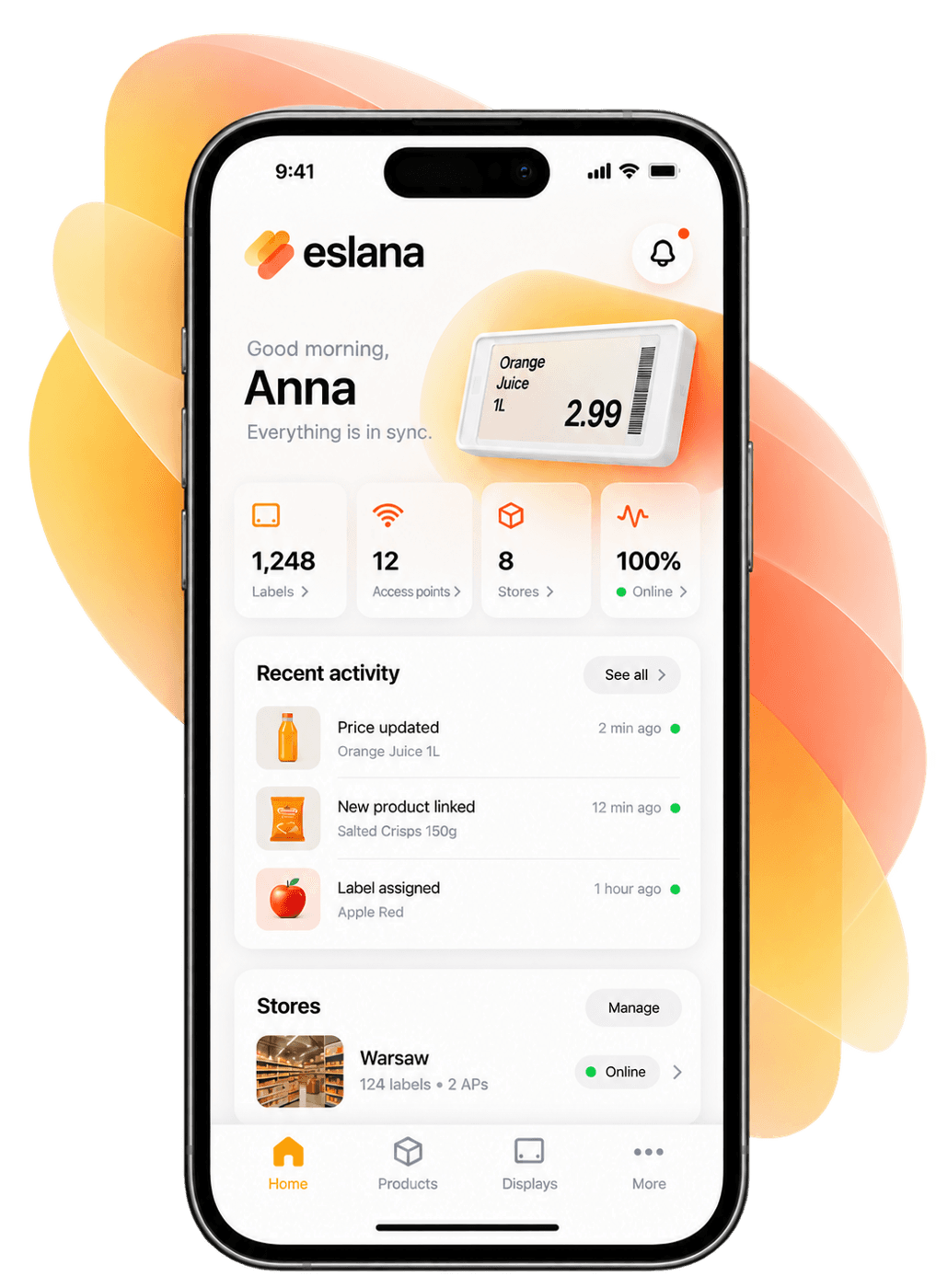
Connect a supported POS system or import a supported CSV or Excel file.
Assign labels to products and change those assignments when your shelves change.
Check connection status, battery levels and displayed prices in one place.
The eslana app requires a subscription. View plans and pricing before ordering your equipment.
Explore the app & pricingThe labels
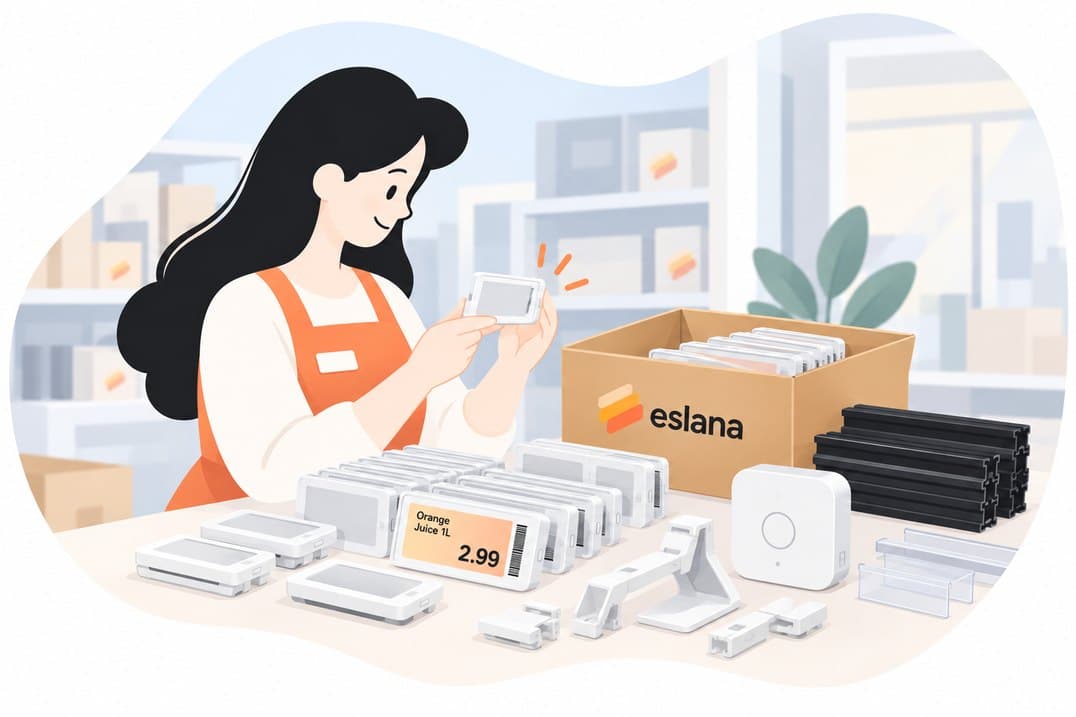
Shop electronic shelf labels, access points and mounting accessories for your setup.
Fashion 1.3"
Price on request
Valley 1.5"
Price on request
Shield 1.54"
Price on request
Valley 1.8"
Price on request
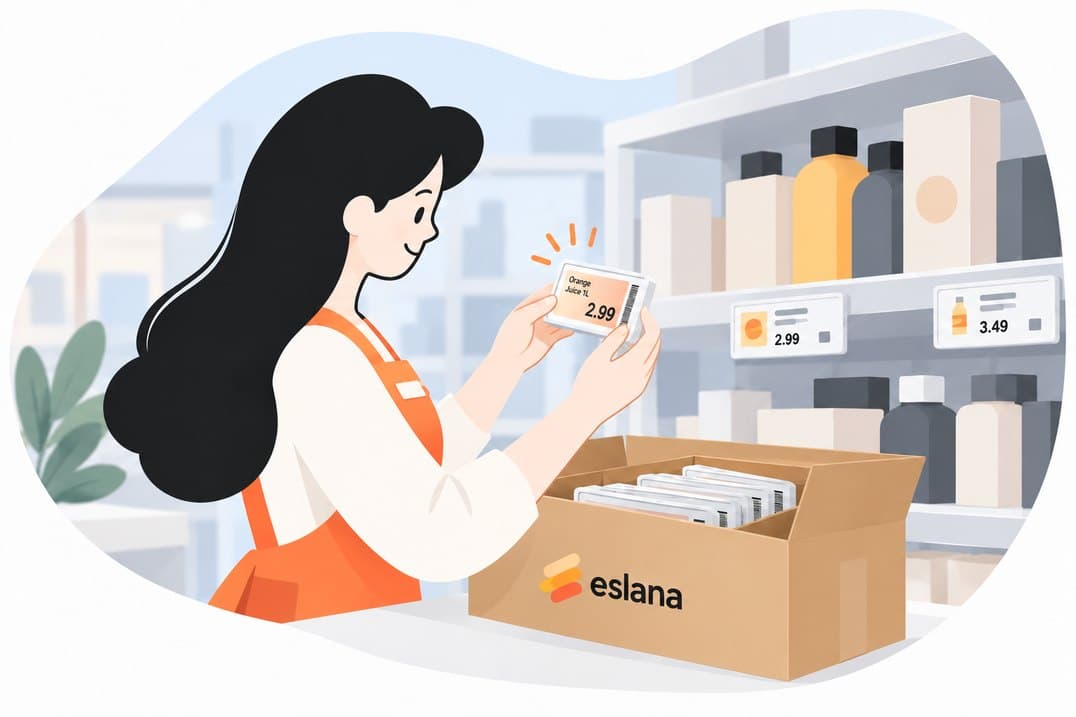
Pre-configured to your eslana account.
Tracked shipping to Cyprus, Poland, Romania and the UK.
Hardware protection for peace of mind.
2K+
Stores using Eslana across Europe
99.9%
Price accuracy
85%
Faster price updates during promotions
ISO 9001 · 27001
Aquila Dynamics Limited certifications
Testimonials
See what our clients say
★★★★★
We were expecting the setup to be more complicated, but it was actually really straightforward. The labels were easy to install, and we had everything connected and working much quicker than expected.
— Independent Retail Store Owner
★★★★★
Changing prices used to take up so much of our team’s time, especially during promotions. Now we can update everything in minutes. It’s made our day-to-day operations noticeably easier.
— Supermarket Manager
★★★★★
What I like most is how simple the whole system is. Scanning products, linking labels and updating prices from the app just works. No unnecessary steps or complicated processes.
— Convenience Store Owner
Our experts provide support
No. You can connect a supported POS system, or upload your product data as a CSV or Excel file and keep working the way you do now.
Extra columns are ignored. You map the columns eslana needs once per store, and the mapping is remembered for every upload after that.
Price changes go out as soon as your file or POS data has been processed. Each label redraws in seconds, and the app shows which labels have confirmed the new price.
Every label confirms delivery. If one misses an update it is flagged in the app and the access point retries automatically. Updates sent while a store is offline are queued and delivered on reconnect.
eslana works with the labels sold in the eslana shop, which arrive pre-configured to your account. If you already run another fleet, talk to us and we will check compatibility with you.
Once, in the mobile app: scan the product barcode, then scan the label. From then on every price change finds the right label on its own.
Orders ship with tracked delivery to Cyprus, Poland, Romania and the United Kingdom. You will see the delivery options at checkout and receive tracking details by email when your order ships.
Start with one store and a spreadsheet. Add hardware, stores and automation when you are ready. The file stays the same.
14-day trial. No card required. Cancel from the dashboard.